

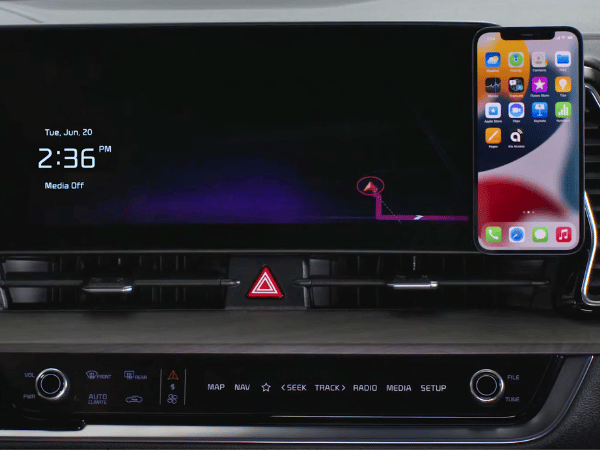
Stay connected on the move with Apple CarPlay and Android Auto. Now, using your phone in the car is easy and safe – no need to look away from the road. Want to make a call, navigate through town, or switch up the music? With these features, it's all simple. We at Crain Kia of Fort Smith can't wait to show you how these technologies enhance your driving experience, making them a must-have for any driver.
Click here to shop Crain Kia of Fort Smith's selection.
Connect Your Smartphone
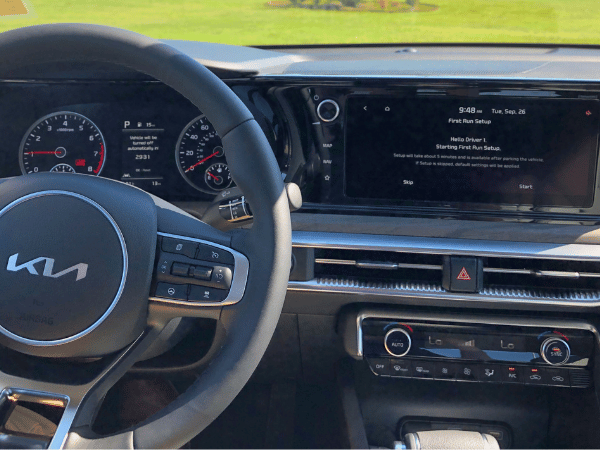
Linking your phone with your Kia's entertainment system is a breeze. You can wirelessly connect up to six devices, perfect for families or friends looking to share their tunes. Keep in mind, though, that some trims might need a cable to use this feature. Once connected, you can easily use your apps and phone features on the car's screen.
Easy Access to Your Favorite Apps
By linking Apple CarPlay or Android Auto, you can conveniently access your phone's applications through your Kia's display screen. This allows you to safely make phone calls, send messages, and navigate without needing to handle your phone.
- Calling and Texting: You don't have to take your hands off the wheel to make phone calls or send texts. Just use Siri or Google Assistant for help.
- Play Media: Enjoy your top playlists, podcasts, or audiobooks on the go. Apple CarPlay and Android Auto let you easily access your favorite media apps like Spotify and Apple Music.
- Maps: You don't have to fumble with your phone for directions anymore. Use apps like Apple Maps, Google Maps, or Waze to see the route directly on your car's infotainment screen. These apps also provide live traffic updates, helping you avoid any delays.
Voice Commands
Apple CarPlay and Android Auto enhance your driving experience by allowing you to use voice commands. This means you can ask Siri or Google Assistant to navigate, play music, or text for you without touching your phone. Keeping your hands on the wheel and eyes on the road makes your journey safer and more enjoyable.
App Connect Tips
Here are some tips to maximize the benefits of your App Connect functionalities:
- Check Compatibility: Make sure to check if your smartphone is compatible with Apple CarPlay or Android Auto. Although many of the newer phones are compatible, it's always good to double-check.
- Read Your Car's Manual: Every Kia model operates uniquely. For precise setup guidelines, refer to the vehicle's owner's manual.
- Keep Your Phone Updated: Keep your phone and apps updated regularly to maintain a smooth connection.

Driving becomes more fun with Apple CarPlay and Android Auto. These options help you stay connected, enjoy your favorite music, and access information safely while keeping your eyes on the road. You're in for a smarter and safer trip, whether you link your device through a wireless connection or a USB cable. Next time you're on the road, let these convenient features from Kia enhance your journey.
 Warranties include 10-year/100,000-mile powertrain and 5-year/60,000-mile basic. All warranties and roadside assistance are limited. See retailer for warranty details.